How Much You Are Actually Spending on AI Subscriptions
ChatGPT Plus, Claude Pro, Midjourney, a coding assistant. Each one feels like a single small charge on its own. Here is what they add up to once you actually total them, and how to tell which ones are earning their keep.
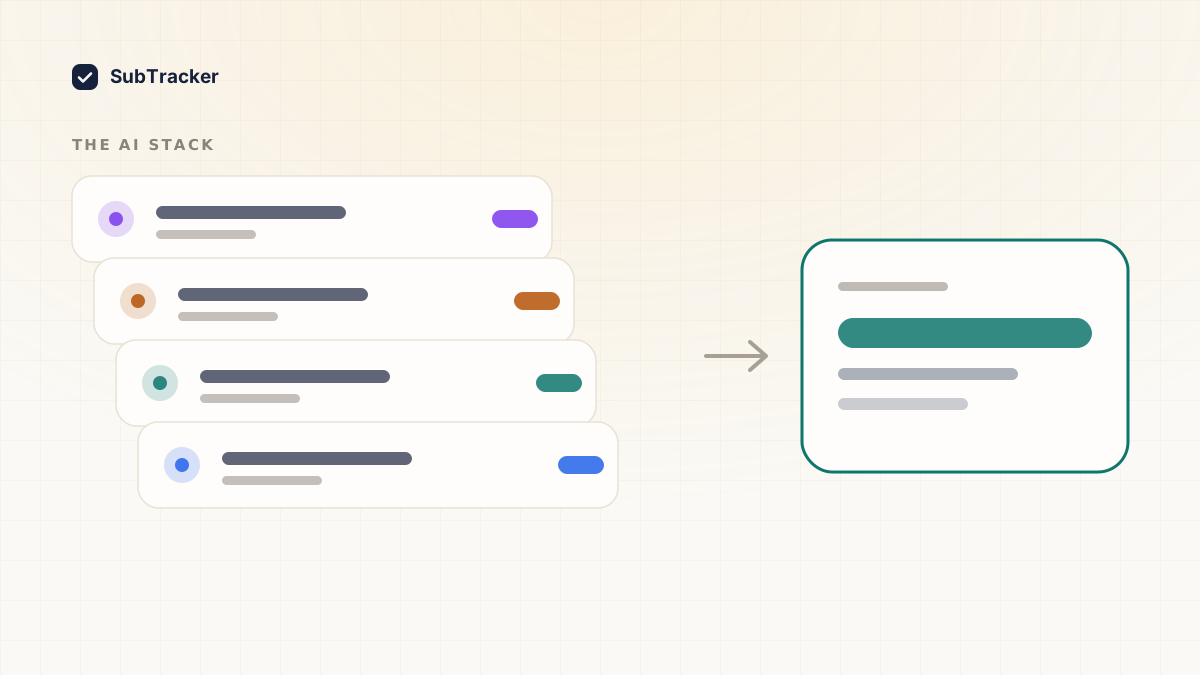
Streaming and music apps used to be the obvious subscription creep. Now there is a second category doing the exact same thing, quietly: AI tools. ChatGPT Plus, Claude Pro, Midjourney, a coding assistant, maybe a note-taking app's AI add-on. Each one gets justified on its own, because each one genuinely does something useful. Almost nobody adds up what they cost together.
Why AI subscriptions stack differently
With streaming, duplication is obvious. Two music apps doing the same job is an easy thing to notice and cut.
AI tools do not read that way, because they do not feel redundant. ChatGPT writes emails, Claude reviews contracts, Midjourney makes images, a coding assistant autocompletes functions. Different outputs, different use cases, so each subscription feels justified on its own terms. What that framing hides is that several of them are the same underlying job, chat with a language model, wearing a different interface. You can be paying three separate subscriptions for one capability without ever consciously deciding to.
The arithmetic nobody does
Most flagship AI subscriptions land in the same narrow band, somewhere around 15 to 25 dollars a month. On its own, that reads as a reasonable price for something you use daily.
Stack four of them and the monthly total is 60 to 100 dollars. Annualized, that is 720 to 1,200 dollars, which is a second full subscription budget sitting on top of whatever you already pay for streaming, software and memberships, and most people could not name the total if asked.
The reason it stays invisible is the same reason any subscription creep does: each charge is evaluated alone, at signup, against the value of that one tool. Nobody re-evaluates the stack as a whole, because there is no single screen where the stack shows up together. It only exists as a sum across several different billing pages, none of which show you the others.
The overlap worth checking first
Before cutting anything, separate what you have into two piles.
General-purpose assistants. ChatGPT, Claude, Gemini and similar tools mostly compete for the same job: a conversational assistant for writing, research and general questions. Paying for more than one of these at a time is the AI-era version of paying for two music apps. Pick the one you actually reach for and drop the rest, unless you have a specific reason to need two (a work requirement, a genuine quality difference for your use case).
Specialized tools. Image generation, code completion, voice or video generation are different capabilities that a general assistant does not fully replace yet. These are less likely to be true duplicates of each other, though it is still worth asking whether you use each one enough to justify the price.
The question that actually decides it
For each AI subscription, ask one thing: did I open this in the last seven days, for something I could not have done with a tool I am already paying for?
Not "is it impressive." Not "might I need it for a project someday." Whether it earned its charge in the last week, specifically for a job the others could not do.
A tool signed up for during a launch, tried for a week, and left running since is the AI-subscription equivalent of the gym membership nobody cancels. The interest was real at signup. The charge outlived the interest.
Treat them like any other subscription, because that is what they are
The billing emails land in the same inbox as your streaming receipts. The charges hit the same statement. There is no reason to track AI subscriptions separately from everything else you pay for monthly, and doing so is exactly how they end up forgotten. How to find forgotten subscriptions covers pulling the full list together, AI tools included, and it is worth running once specifically for this category if you have signed up for more than two.
Want every AI subscription in the same list as everything else you pay for? Start free. Connect Gmail read-only and it finds the receipts, AI tools and everything else, in about two minutes.