How to Cancel Netflix, Prime, Adobe and Other Common Subscriptions
A directory of cancellation routes for the subscriptions people most often get stuck on, including which ones hide the button, which charge a fee to leave, and which you cannot cancel where you think.
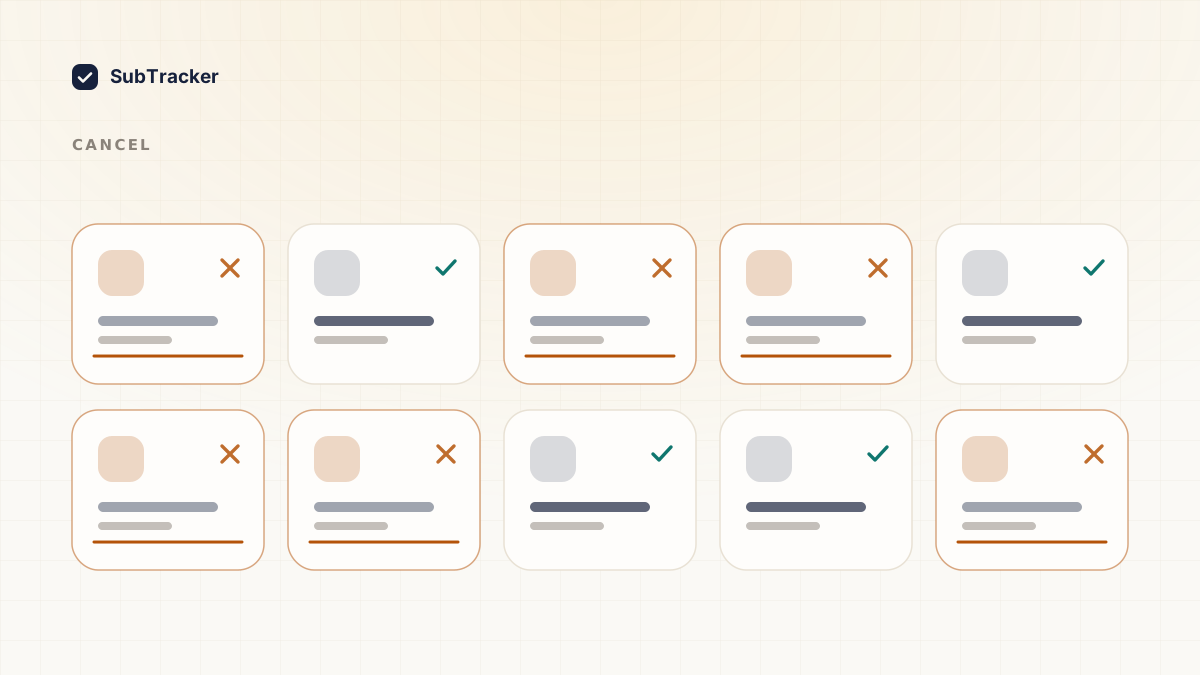
Cancelling should be one button. For some services it is. For others it is a phone call, a retention offer, or a fee you did not know existed.
This is a directory of the ones people get stuck on. The general playbook, including how to beat retention tactics, is in how to cancel unwanted subscriptions.
First: work out who is actually billing you
This is the step that wastes the most time when skipped. You cannot cancel a subscription in the wrong place.
Check your statement descriptor. If it reads APPLE.COM/BILL, you cancel in your Apple ID settings, not on the company's website. If it reads GOOGLE *, you cancel in Google Play. If it reads PAYPAL *, you may need to cancel the billing agreement in PayPal as well as with the merchant.
Only if it is a direct charge do you cancel on the company's own site. Getting this wrong is why people cancel something and keep getting billed.
Streaming
Netflix. Account → Membership → Cancel Membership. Genuinely straightforward, no retention wall. You keep access until the billing period ends.
Disney+. Account → Subscription → Cancel. If you subscribed through a bundle or a third party such as a telecom provider, you have to cancel with them instead.
Spotify. Account → Manage your plan → Cancel Premium. Note that cancelling drops you to the free tier rather than deleting the account, which is usually what you want.
Hulu, Max, Paramount+. All follow the same pattern under Account or Subscription settings. All commonly sold through bundles, so check whether you actually subscribed directly.
Streaming is the easiest category. If you are only going to audit one thing, audit elsewhere, because these are the ones you will actually notice.
Amazon Prime
Account & Lists → Prime Membership → Manage Membership → End Membership.
Amazon runs one of the more persistent retention flows, and you will click through several screens asking you to reconsider, each with a different framing of what you are losing. Keep going until you see explicit confirmation that your membership has ended with a date attached.
Worth knowing: if you have barely used Prime benefits in the current period you may be eligible for a partial refund. Amazon does not volunteer this, but it appears in the flow occasionally.
Also check for Prime Video Channels separately. These are add-on subscriptions billed through Amazon that survive Prime cancellation and are frequently forgotten.
Adobe Creative Cloud
Account → Plans → Manage plan → Cancel your plan.
This is the one with a real financial trap. Adobe's annual-paid-monthly plan carries an early termination fee if you cancel before the year is up, typically a proportion of the remaining balance. It surprises people every month.
Before cancelling, check which plan you are actually on. If you are close to the renewal date, waiting until the term ends may cost you far less than leaving now. If you are early in an annual term, work out the fee before you commit.
Adobe also routes some cancellations through chat. Be direct, decline the offers, and get confirmation in writing.
Gyms and physical memberships
The hardest category, and the one worth the most attention.
Many gym contracts require written notice, sometimes by post, sometimes with a notice period of a full billing cycle or more. Some cannot be cancelled online at all regardless of how you signed up.
Read your actual contract terms before you start. Then:
- Send notice in a form that creates a record. Email or recorded delivery, never a phone call alone.
- Keep the confirmation.
- Check your statement after the next billing date. Gym charges continuing after cancellation is common enough that you should assume it might happen.
If a charge lands after you have written confirmation, that confirmation is what makes a chargeback straightforward.
Software and productivity tools
Microsoft 365, Google One, Dropbox, Notion. All cancel in account or billing settings, all reasonably honest about it. Most keep your data accessible on a free tier afterwards, though storage products will ask you to get under the free limit.
Before cancelling any storage product, get your data out first. Reducing your storage tier with more data than the new tier allows can restrict access to it.
Anything billed through an app store
Do not look for a cancel button in the app. It is not there and it never was.
- iPhone: Settings → your name → Subscriptions. Full walkthrough here.
- Android: Play Store → profile → Payments & subscriptions → Subscriptions. Full walkthrough here.
And to repeat the point that costs people the most money: deleting the app does not cancel the subscription. The billing lives with Apple or Google. Delete the app and the charge continues indefinitely.
After you cancel, verify
Every cancellation, without exception:
- Get confirmation in writing and save it.
- Note the date access actually ends.
- Check your statement after the next billing date.
Step three is the one everyone skips, and it is where money leaks. A cancellation that did not take looks exactly like a cancellation that did until the charge lands.
The part that keeps this from recurring
Working through this list is a one-time cleanup. What causes the next round is that nothing is watching between now and the next signup.
SubTracker tracks every recurring charge and warns you before each renewal, so the decision to keep paying is one you actually make. When something is worth cancelling, it tells you why and links you straight to the cancellation page for that service.
Start free and get your list in about two minutes.