How to Spot Recurring Charges on Your Bank Statement
Subscriptions hide on statements behind merchant names that look nothing like the product. Here is how to read a statement properly, decode confusing descriptors, and catch the annual charges that only appear once.
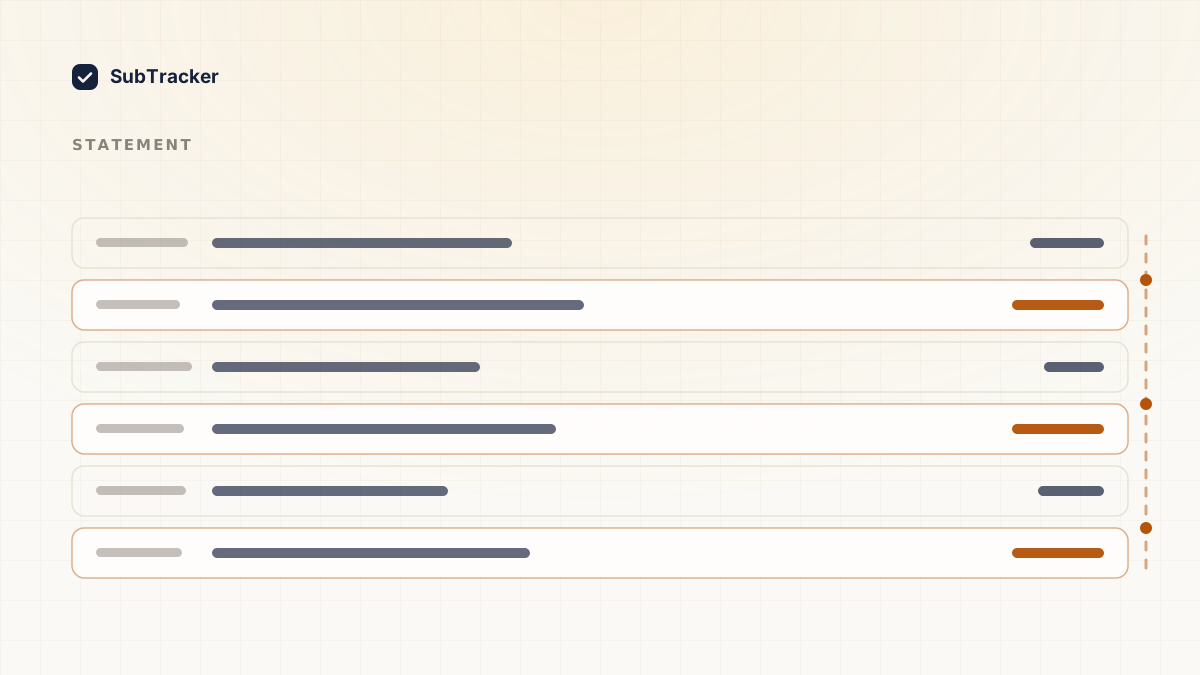
Your bank statement is the only place every subscription eventually shows up, whatever app store or payment processor sits in the middle. It is also the hardest place to read them, because subscriptions rarely appear under the name you know them by.
Here is how to work through one properly.
What "recurring charge" actually means on a statement
A recurring charge is any payment that repeats on its own, on a fixed schedule, without you approving it again each time. You authorised it once, at signup, and it keeps billing until you cancel it or the card it is on stops working.
That covers more than the word "subscription" usually brings to mind. Streaming and software are the obvious cases, but insurance premiums, a gym membership, a domain renewal, and a payment plan on something you bought once are all recurring charges by the same definition. If a charge shows up more than once for the same amount, roughly the same number of days apart, it is recurring, whatever the statement calls it.
The reason it is worth naming precisely: a one-off purchase from a merchant you visit often (a coffee shop, a grocery store) can look repetitive on a statement without being recurring in this sense. What makes a charge recurring is that you did not decide to make it again. It happened by default.
Pull twelve months, not one
This is the step that determines whether the exercise is worth doing.
A single month misses every annual subscription, and annual charges are both the most expensive and the most forgotten. Domain renewals, password managers, insurance add-ons, cloud storage, that annual plan you took because it was cheaper. They hit once, twelve months apart, at an amount large enough to matter and a frequency low enough to never become familiar.
Download twelve months of statements as CSV if your bank offers it, because you can sort and filter. PDF works, it is just slower.
Do this for every card and account, including the one you barely use. Old subscriptions have a way of living on cards you have mentally retired.
Sort by amount, not by date
Chronological order is how banks present statements and it is the worst way to find subscriptions.
Sort by amount instead. Recurring charges are for identical amounts, so they cluster together the moment you sort this way. Three lines of $9.99 spaced a month apart are obvious in an amount-sorted list and nearly invisible in a date-sorted one.
Then scan for the same merchant appearing at regular intervals. Monthly is the common case, but watch for quarterly and annual too.
Decode the merchant names
This is where most people give up. Statement descriptors are set by payment processors and often bear no resemblance to the product.
Common patterns worth knowing:
APPLE.COM/BILLcovers every subscription billed through your Apple ID, bundled together. One line can be four subscriptions. You have to open the Apple list to break it down, and this guide shows where it is.GOOGLE *<something>is Google Play billing. The name after the asterisk is the app, though it is often abbreviated past recognition.PAYPAL *<merchant>is a PayPal billing agreement. These are worth flagging separately, because cancelling with the merchant does not always cancel the PayPal agreement.SQ *,STRIPE,PADDLE,FS *,DRI*are payment processors, not the company. The merchant name is usually appended, sometimes truncated.- Parent company names. Plenty of services bill under a corporate entity you have never heard of.
If a descriptor is genuinely unrecognisable, search the exact string in quotes. Someone else has already asked what it is.
The four questions for each charge
Once you have your list of recurring charges, run each one through this. It takes about ten seconds each.
- Do I recognise it? If not, it goes on the investigate pile. Unrecognised recurring charges are occasionally fraud, and more often a rebranded service or a free trial that converted.
- Have I used it in the last month? Not "would I miss it." Used it.
- Am I paying for it twice? Duplicate cloud storage and overlapping streaming are the usual suspects.
- Would annual billing be cheaper? Many services discount annual meaningfully. If you are certain you are keeping it, this is free money.
Anything that fails question one or two is a cancellation candidate. How to cancel unwanted subscriptions covers doing it cleanly.
Watch for the price you did not agree to
While you are scanning, compare the same subscription across months. Price increases are usually announced in an email you did not read, and then simply happen.
A service that was $8.99 last year and is $14.99 now is worth re-evaluating at the new price rather than the one you originally signed up for. That is the price you are actually paying.
Also watch for a small charge that becomes a large one. That pattern is almost always a free trial converting, and it is the single most common way people end up paying for something they never intended to keep.
Why this gets stale immediately
The audit works. The problem is that it is a snapshot, and it is out of date the next time you sign up for anything. Most people do this once, feel good about it, and repeat it eighteen months later after the same thing has happened again.
The alternative is to have something watch for you. SubTracker takes the statement you just downloaded as a PDF, CSV or XLSX and detects the recurring patterns for you, so you get the same list without the sorting and the descriptor decoding. There is no bank connection involved. You upload a file you exported yourself.
After that it watches renewals and warns you before each charge, which is the part that keeps the list from going stale.
Already have the statement downloaded? Start free and upload it.