Mint Shut Down. Here Is What Actually Replaces It
Mint did not do one job, it did three: budgeting, net worth, and subscription tracking. Here is why that matters for finding a replacement, and which piece SubTracker actually covers.
Intuit shut Mint down and pointed everyone toward Credit Karma, which is a credit-monitoring product, not a budgeting one. Millions of people lost a tool they had used for years, and most of the advice since has been a single "best Mint alternative" list, as if one app is supposed to slot back in and do everything Mint did.
It will not, because Mint was not one tool. It was three, bundled together for free because Intuit made its money elsewhere. Losing it means finding three replacements, not one, and knowing which is which saves a lot of wasted setup time.
The three jobs Mint was actually doing
Budgeting. Categorizing every transaction, setting spending limits per category, and showing you where the month's money went. This is the part most "Mint alternative" roundups are actually about.
Net worth tracking. Pulling in bank, credit, loan and investment balances to show one number that moves over time. A different job from budgeting, even though Mint showed both on the same dashboard.
Recurring bill and subscription tracking. Finding the charges that repeat, flagging price changes, and reminding you before renewals. The smallest of the three in Mint's UI, and the one most people did not realize they relied on until it was gone.
One app doing all three well, for free, was never really sustainable. That is closer to why Mint went away than any single explanation Intuit gave.
Why "just pick a Mint alternative" does not work
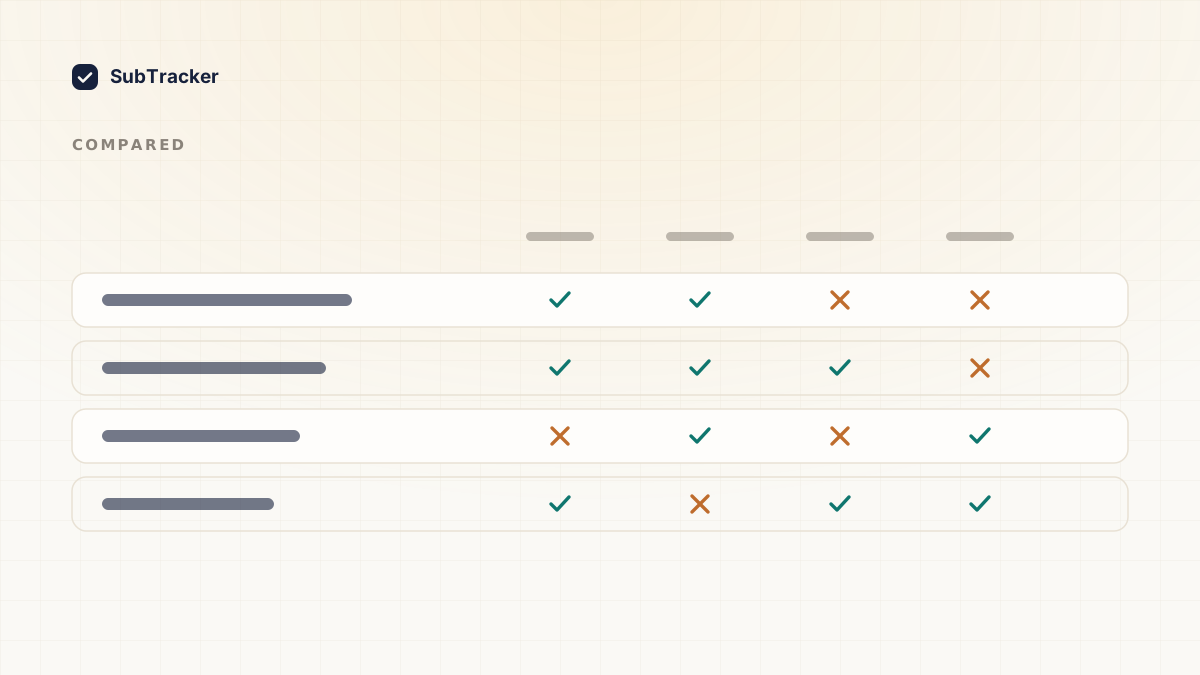
Search for a replacement and you get a mix of full budgeting apps (YNAB, Monarch, Copilot, Empower), pure net-worth trackers, and subscription-specific tools, all reviewed against each other as if they compete. They mostly do not. A full budgeting app that also happens to list your subscriptions is not the same thing as a tool built specifically to catch every recurring charge, and treating them as interchangeable is how people end up trying three "replacements" before finding one that actually replaces the job they cared about.
The honest move is to work out which of the three jobs you actually used Mint for, and go looking for that specifically.
If it was the subscriptions
This is the piece SubTracker covers, and it is worth being precise about what that does and does not mean.
- Finding recurring charges. Mint did this by reading every transaction across every linked account. SubTracker does it two ways instead: scanning Gmail or Outlook for billing emails (read-only, scoped to billing mail), or reading a bank statement you export and upload yourself. Narrower access, same result for the thing you are trying to find.
- Renewal reminders. A heads-up before each charge hits, not after, so cancelling is a decision you get to make instead of a refund you have to chase.
- Spending by category, for subscriptions specifically. Not your full budget, just what streaming, software and memberships are actually costing you, which is usually higher than people guess.
What it does not do: categorize your grocery runs, track your mortgage balance, or show a net worth number. If that is the piece of Mint you miss, you need a budgeting app or a net-worth tracker alongside this, not instead of it.
What to actually do this week
- Name the job. Was it the monthly budget, the net worth number, or the list of subscriptions you would otherwise forget about? Pick the one you actually opened Mint for most.
- Get that one thing working again first. Resist setting up three new apps in one weekend. Most people abandon at least one of them within a month, and the subscription piece is the one that keeps paying off the longest with the least maintenance, because it needs almost no ongoing input once it is connected.
- Rebuild your subscription list from scratch. Mint's list is gone with the account. How to find forgotten subscriptions covers pulling one back together from twelve months of statements.
You do not need to replace everything Mint did in one afternoon. You need the piece you actually relied on, working again, and the rest can follow once you know which apps you are choosing between.
Want the subscription piece back without connecting your entire bank account? Start free. Read-only Gmail access or a statement upload, and you have the list in about two minutes.