How to Track All Your Subscriptions in One Place
Spreadsheets, calendar reminders, or a dedicated subscription tracker? Here is how each method compares, and how to set up a system that catches every recurring charge and renewal.
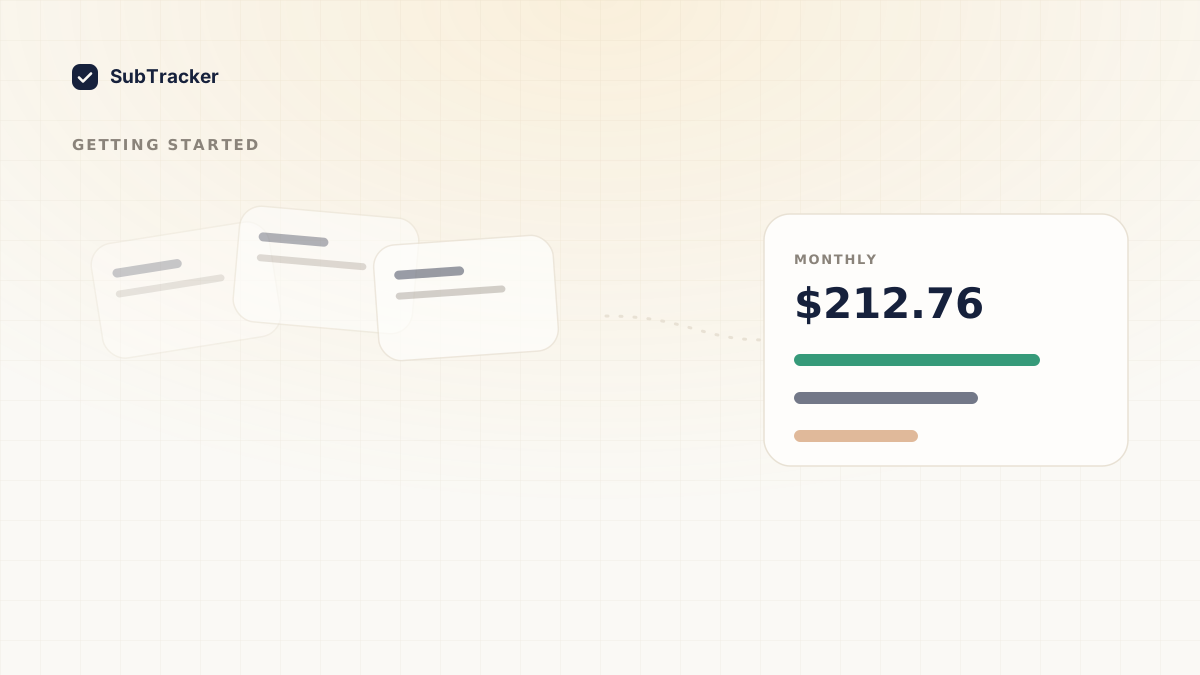
Most people pay for somewhere between 10 and 20 subscriptions, spread across cards, app stores, and PayPal, billed on different dates in different amounts. Keeping that in your head does not work, which is why charges get forgotten. The fix is a single place where every subscription lives. Here is how to build one.
What "tracking" actually needs to do
A good system answers four questions at a glance:
- What am I paying for? Every active subscription, in one list.
- How much, in total? Monthly and yearly, in your own currency.
- When does each renew? So nothing charges by surprise.
- What can I cut? The ones you no longer use.
Any method that misses one of these leaves a gap where money leaks.
Option 1: A spreadsheet
A spreadsheet is free and flexible. Add a row per subscription with name, amount, billing cycle, and renewal date.
- Good for: people who like full control and only have a handful of subscriptions.
- The catch: it only knows what you type in. It will not catch a free trial you forgot or a price that crept up, and it will not remind you before a renewal. Maintenance is manual and easy to abandon.
Option 2: Calendar reminders
Add each renewal date to your calendar with an alert a few days before.
- Good for: never missing a specific renewal you care about.
- The catch: it does not give you the big picture. You get pinged about one charge but never see your total spend or spot patterns across everything.
Option 3: A dedicated subscription tracker
A subscription tracker connects to your inbox or reads an imported bank statement, finds recurring charges automatically, and keeps the list current.
- Good for: seeing everything without manual data entry, getting renewal reminders, and tracking total spend over time.
- The catch: you connect an account or upload a statement once to get the automatic detection.
How to set it up in minutes
Whatever tool you choose, the setup is the same shape:
- Gather your charges. Pull the last few months of statements, or connect Gmail so receipts are detected for you. See how to find forgotten subscriptions for the full method.
- Record cost and cycle for each one, and convert everything to a single currency so the totals mean something.
- Add renewal dates and a reminder before each.
- Review monthly. Cut what you no longer use. How to cancel unwanted subscriptions walks through doing it cleanly.
The point of tracking is deciding
Tracking is not about admiring a list. It is about making a monthly decision on each charge instead of paying on autopilot. That single habit is what turns "where did my money go" into steady savings.
SubTracker gives you all four answers in one place, finds charges automatically, and reminds you before every renewal. Start free and build your list today.